




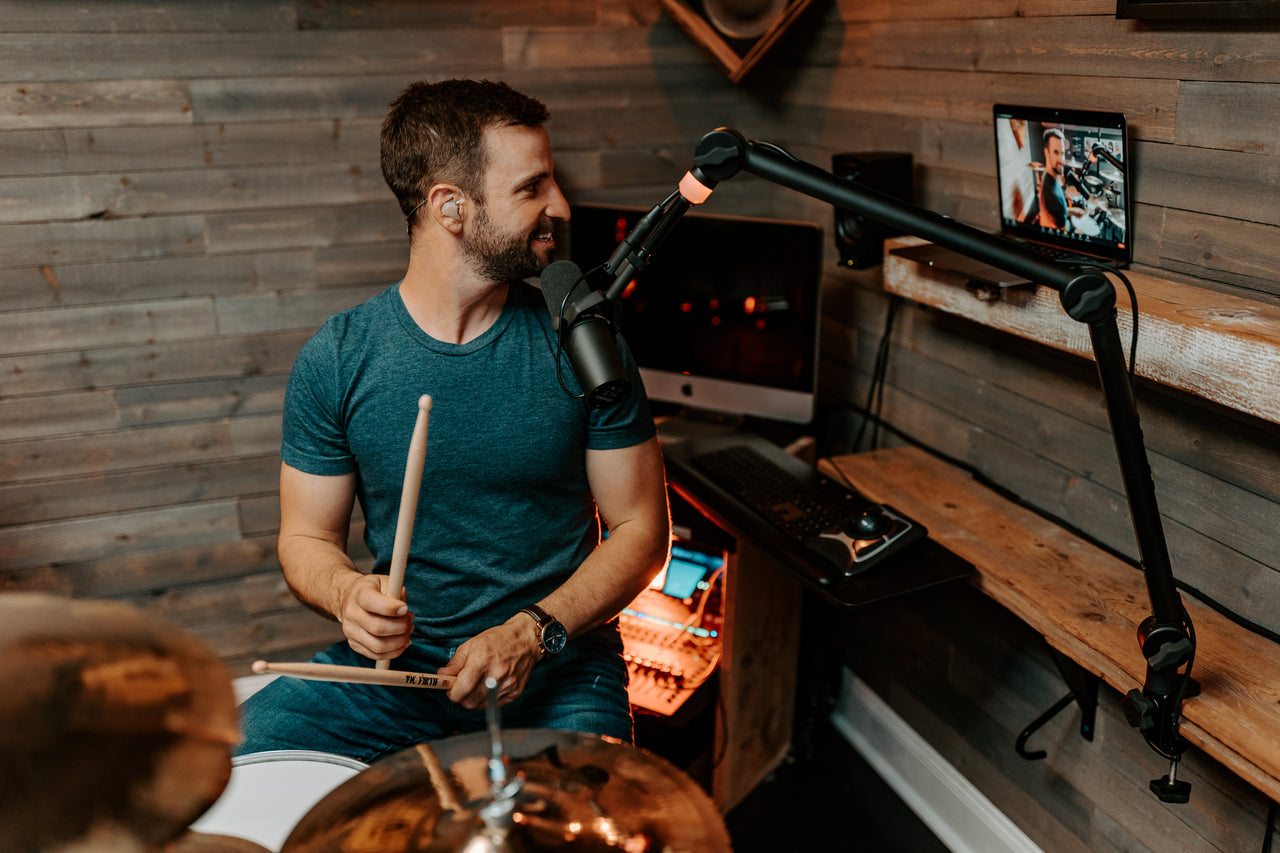




Plenty of working musicians and worship teams travel without a dedicated monitor engineer. The good news is you don’t need one to get a great in-ear monitor mix. With a wireless IEM system, a little gear knowledge, and a few hours of practice on a digital mixer app, you can build clean personal mixes from the stage at any venue you play.
This article covers the gear you need, how to communicate with house engineers, how to use mixer companion apps, and the rules of thumb that make for a workable in-ear mix.
Why mix in-ear monitors yourself?
Touring with IEMs delivers a consistent monitor mix from venue to venue. Stage wedges are at the mercy of the room, the house engineer, and a half-hour soundcheck. IEMs put a controlled personal mix in each performer’s ears wherever you play. For a full comparison of the two approaches, see In-Ear Monitors vs. Wedges.
Bringing your own monitoring setup also takes pressure off the house engineer. Instead of negotiating each performer’s mix during a rushed soundcheck, your band can build and recall its own mixes at every venue. The result is a quieter stage, more headroom for the front of house mix, and fewer surprises mid-show.
Know the gear you’ll need
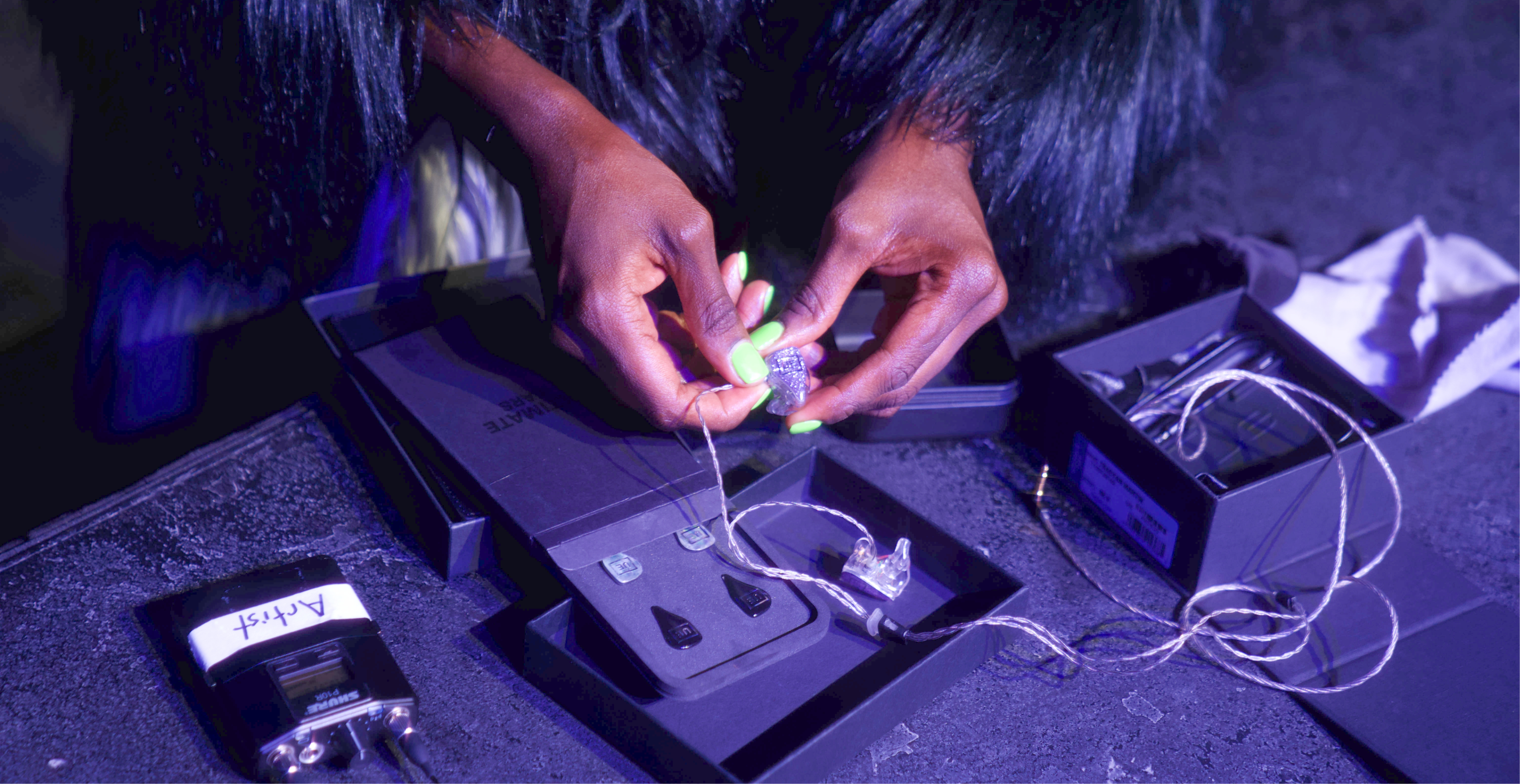
Your UE Pro custom in-ears are the start of the system, not the whole system. To run your own monitoring without a dedicated engineer, you’ll need wireless transmitters, bodypack receivers, cables, and a way to interface with the venue’s console. For a complete touring gear checklist, see Touring with In-Ear Monitors. The list below covers what matters most when you’re building the mixes yourself.
Bodypack receivers for every performer
Each musician needs their own wireless bodypack receiver. The bodypack picks up audio from a transmitter and feeds it to your IEMs through a thin cable that fits around the outer ear. Options range from budget systems like the Xvive U4 — which can send a shared mix to multiple bodypacks from a single XLR output — to multi-channel setups like Sennheiser Evolution Wireless, where each performer gets their own discrete mix.
Confirm during soundcheck that each bodypack is set to the matching transmitter’s frequency. Bring spare bodypacks. A failed receiver is one of the most common in-show failures and the easiest to recover from when you’ve packed a backup.
Wireless transmitters on a labeled rack
Transmitters send the monitor mix from the console to the bodypacks. You’ll have one transmitter per mix. A pre-wired rack with each transmitter labeled, powered, and ready to patch saves real time at load-in. Place the rack with line-of-sight to the stage whenever possible.
Personal mixers for stationary players
Drummers, keyboardists, and any other performer who stays in one spot can use a wired personal mixer instead of wireless. Personal mixers like the Behringer P16-M give the player hands-on control of their own mix from a stationary unit on stage. UE Pro IEMs plug directly into the unit. No wireless transmitter or receiver needed.
Personal mixers also serve as a useful fallback if a wireless channel fails or the venue’s console can’t support every mix you’d planned to send.
Cables, adapters, and power
Don’t assume the venue will have what you need. Pack extra:
- XLR cables for connecting to console outputs
- BNC cables for antennas
- Ethernet cables for personal monitoring systems
- Power supplies, extension cords, and surge strips
- Fresh or fully charged batteries with a clear rotation plan
Label your cables. Storing them by type and length makes them findable on a dark stage at load-in.
Make arrangements ahead of soundcheck
If you’re using a venue’s house PA and a house sound engineer, reach out before you arrive. Tell them you’re running IEMs and wireless systems, share the number of mixes you need, and ask about the console and available aux outputs. Most house engineers appreciate the heads-up. Walking in with the conversation already done lets the engineer plan instead of react.
The questions worth asking the venue:
- What console does the venue have?
- How many aux outputs are available for monitor mixes?
- Does the console have a companion app for personal monitor control?
- Where can the IEM rack live — stage left, monitor world, or front of house?
- What other wireless systems will be active during the show?
Talk to engineers like an engineer
“I need more me” is a common request from stage. It rarely tells the engineer enough to fix the problem. Better to describe what you need in console terms. A few examples:
- “Stage-left vocal needs less bass guitar in her monitor mix.”
- “Keyboard player needs more kick drum in his ears.”
- “Guitar player’s amp sounds too dry in the monitor — can we add some reverb on the monitor send?”
- “Horn section only needs the backing track. Mute the rest.”
- “Lead vocal sounds muddy in the IEMs. Can we add a high-pass filter on the monitor channel?”
Be specific, be respectful, and be ready to compromise. House engineers work multiple bands a night and appreciate performers who speak the language.
Learn one mixer companion app
Most digital mixers in working venues have companion apps. A tablet or phone running the app gives you direct access to monitor sends, channel routing, EQ, and panning from anywhere with Wi-Fi range. A couple of hours of practice on the app before you ever step into a venue pays off the first time you do.
Find out in advance what console the venue runs. Get the venue’s Wi-Fi password and the mixer’s IP address during load-in. Then you can build your own monitor mixes without leaving the stage.
Mixer-and-app pairings to know:
- Behringer X32 and X32 Compact — X32-Mix (iOS) and X32-Q (Android)
- Behringer XR12, XR16, and XR18 — X AIR (iOS and Android)
- Midas M32 and M32R — M32-Mix (iOS) and M32-Q (Android)
- Yamaha QL and CL series — QL StageMix and MonitorMix (iOS and Android)
- PreSonus StudioLive series — UC Surface (iOS and Android)
Each app’s interface is different. Practice on the one most likely to match the venues you play.

What makes a great in-ear monitor mix
Once you’re the one building mixes for the band, your bandmates will rely on your judgment. Some rules of thumb that hold up across venues.
Watch your gain staging
The console, transmitter, and receiver should all peak just below 0 dB. Too hot and the performer hears distortion in their ears. Too low and they push the bodypack volume to compensate, which amplifies the noise floor along with the signal.
Start with the performer at the center
Each player’s own voice or instrument is the foundation of their mix. Build out from there with whatever they need to lock in — a drummer’s kick and cue vocal, a vocalist’s pitch reference, a bass player’s kick for rhythmic tightness, a keys player’s bass line to write against.
Decide on stereo or mono
Stereo monitor mixes sound natural and give the performer a sense of space. They also double the number of aux outputs you need from the console. If aux outputs are tight, mono mixes can work for most performers without losing much practical value. Decide before soundcheck so you’re not patching on the fly.
Keep the mixes lean
More channels in the ears doesn’t equal a better mix. Too many sound sources clutter the mix and make it harder to focus on what matters. Give each performer only what they actually use.
Add an ambient mic
Custom IEMs isolate well, which is part of why they work — and part of why they can feel disconnected for performers used to playing with wedges. Routing a stage or audience mic into every performer’s mix at a low level helps maintain a sense of the room without giving up the seal.
Check in after song one
Make eye contact with everyone in the band early in the set. If someone looks frustrated or is gesturing, they’re not hearing themselves. Catching it after song one is much easier than diagnosing it in the green room after the show.

Ready to build your own monitor mixes
You don’t need a tour engineer to run a tight monitoring setup. With the right gear, a little advance work with each venue, and some practice on a mixer app, your band can take its monitor mixes anywhere it plays.
Shop UE Pro custom in-ear monitors
Frequently asked questions
Can I tour with in-ear monitors without a sound engineer?
Yes. With a wireless IEM system, a digital mixer with a companion app, and a couple of hours of practice on the app, you can build and recall your own monitor mixes from the stage. Reach out to each venue before soundcheck to confirm console compatibility and available aux outputs.
What gear do I need to mix my own IEMs?
A wireless bodypack receiver for each performer, one wireless transmitter per monitor mix, IEMs for each musician, cables and adapters for connecting to console outputs, and a tablet or phone running the venue’s mixer companion app. Personal mixers like the Behringer P16-M can replace wireless for stationary players.
How do I use a digital mixer app to control my monitor mix?
Most digital mixers in working venues have companion apps that connect over Wi-Fi. Get the venue’s Wi-Fi password and the mixer’s IP address at load-in, launch the app, and you can adjust monitor sends, channel routing, EQ, and panning from the stage. Practice on the app at home with whichever mixer you’re most likely to encounter.
What should I ask the venue before bringing my own IEMs?
Confirm the console model, the number of available aux outputs for monitor mixes, whether the console has a companion app, where the IEM rack can live, and what other wireless systems will be active during the show. Reaching out before soundcheck saves time and surprises.
How do I get a balanced in-ear monitor mix without an engineer?
Start with each performer’s own voice or instrument as the foundation, add only the sources they need to lock in (drummer’s kick, vocalist’s pitch reference, etc.), watch your gain staging so nothing peaks above 0 dB, and add a low-level ambient mic to keep performers connected to the room. Check in with the band after song one.