






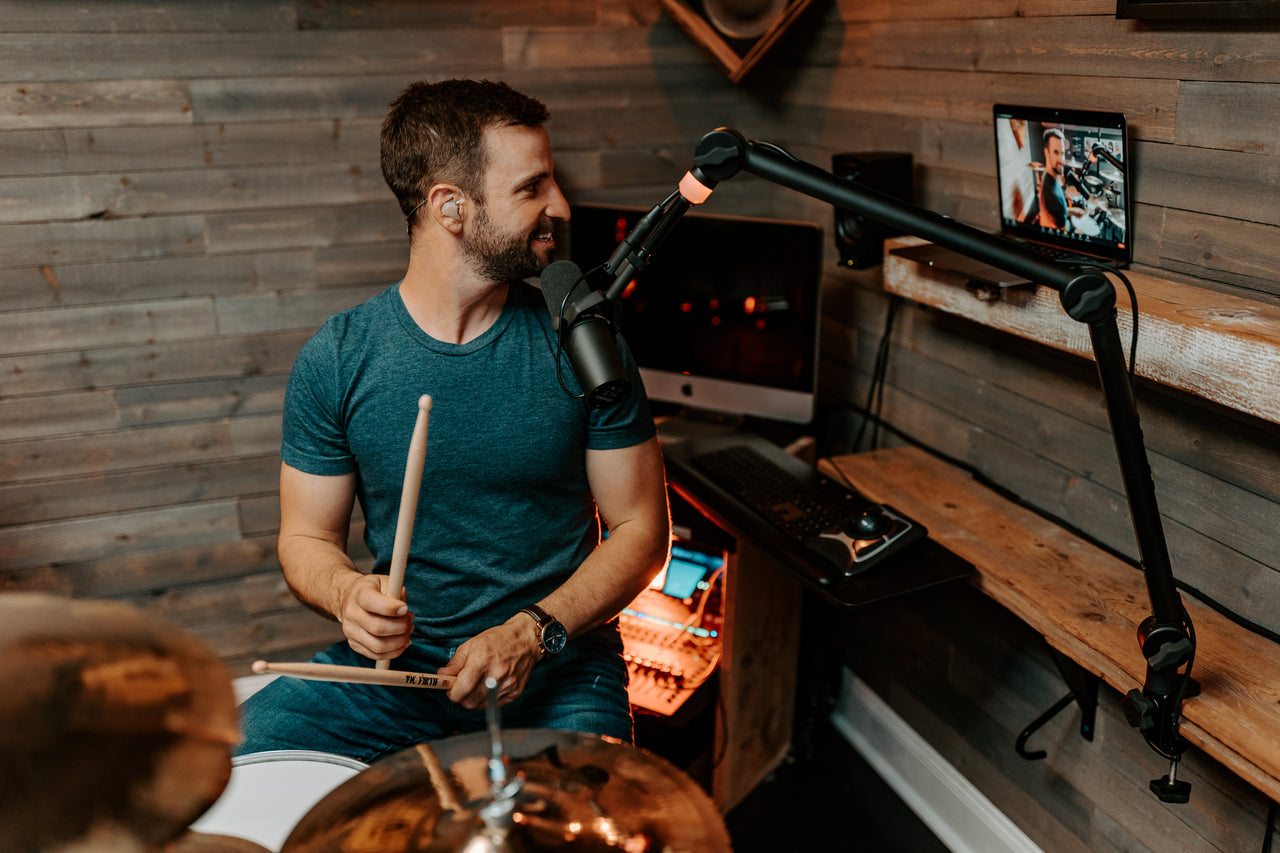




In-ear monitors can look complicated from the outside. You see performers on stage with custom earpieces, wireless packs, monitor engineers, and racks of gear, and it's easy to assume IEMs are only for major tours.
At its core, an in-ear monitor setup is straightforward. You need a pair of in-ear monitors, a mix to listen to, and a way to get that mix into your ears. That can be as simple as plugging into a headphone output, or as involved as a full wireless monitoring system with a dedicated mix. The right setup depends on where you perform, how much you move, and how much control you want.
This guide walks through how in-ear monitors work, what they plug into, and how to put together a setup that fits how you play.
How In-Ear Monitors Work
An in-ear monitor is an earpiece that sits in your ear and plays back a personal mix of your performance — the same idea as a stage wedge, but the sound goes straight into your ears instead of into a speaker pointed at you. That gives you a clearer, more consistent picture of what you're playing, show after show, even when the room changes.
Because the earpiece seals the ear canal, it also reduces outside noise. UE Pro in-ear monitors provide -26 dB of passive isolation, which lets you monitor at lower volumes and helps protect your hearing over long sets and long careers. If you want to stay aware of the room while wearing them, an ambient option lets a measured amount of stage sound back in.

The Three Parts of an In-Ear Monitor Setup
Every in-ear monitor setup comes down to three pieces: the monitors, a source for your mix, and the connection between them.
The monitors are the earpieces you wear. Universal-fit monitors use replaceable ear tips and are ready to play right out of the box. Custom in-ear monitors are molded from impressions of your ears taken by a licensed audiologist for a precise, personal fit.
The mix source is where the sound comes from. This could be a mixing console, an audio interface, a personal monitor mixer, a wireless receiver, or a headphone output in a rehearsal or studio setting.
The connection is how the mix travels from the source to your ears. It can be wired or wireless — and that single choice shapes most of what your setup looks like.
Option 1: A Wired In-Ear Monitor Setup
A wired setup is the simplest way to use in-ear monitors. Your IEM cable plugs straight into a headphone output, a personal monitor mixer, a mixing console, an audio interface, or a wired belt pack.
This works well for drummers, keyboard players, bassists, worship musicians, studio players, and anyone who stays in one spot. It's reliable and lower in cost, with no transmitters, no bodypack receivers, no batteries to charge, and no wireless frequencies to coordinate. For a lot of musicians, wired is the easiest place to begin — and for plenty of players in worship settings and rehearsals, it stays the whole solution.
Option 2: A Wireless In-Ear Monitor Setup
A wireless setup is what most people picture when they imagine a performer using in-ear monitors. Your monitor mix is sent from a transmitter to a wireless bodypack receiver. Your IEMs plug into the bodypack, and you wear the pack while you perform.
This suits vocalists, guitarists, front-of-stage performers, and anyone who needs to move freely. Wireless gives you that freedom, and it adds a few pieces: a transmitter, a compatible bodypack receiver, and a monitor mix routed from the soundboard. In larger venues, festivals, and touring situations, someone may also manage wireless frequencies to avoid interference. Our touring with IEMs guide covers that side in more detail.
Wireless is optional. If you stand or sit in one place, a wired setup may be all you need.

Building Your Monitor Mix
What Is a Monitor Mix?
Your monitor mix is the version of the performance you hear in your ears, separate from what the audience hears through the main speakers. A good mix gives you the few things you need to hear clearly — enough to stay on pitch and in time — without crowding your ears with everything happening on stage.
A vocalist might want their own voice up front with a little pitch reference from keys or tracks. A drummer might want kick, snare, click, and a touch of vocal. A guitarist might want their instrument, the lead vocal, and enough drums to stay locked in. Mixing with in-ear monitors is what makes a quiet, controlled stage possible in the first place.
Do You Need a Mixer for In-Ear Monitors?
In most cases, the mix has to come from somewhere, and that's usually a mixer. At a venue, that's the main mixing console. In a rehearsal space or home studio, an audio interface or a small personal monitor mixer does the same job. Personal mixers are popular with stationary players because they let you control your own levels without touching anyone else's mix.
For a basic home or practice setup, a headphone output on an interface or a small mixer is enough to get a usable mix into your ears.
Do You Need a Monitor Engineer?
Not always. On professional tours, a monitor engineer builds and manages each performer's mix. In smaller venues, worship teams, rehearsals, and home setups, musicians often build their own mix using a digital mixer, a personal monitor system, or an app. There's a whole approach to running clean in-ear mixes without a dedicated engineer. If you're starting out, keep it simple: a clean, comfortable mix that helps you stay on pitch, in time, and connected to the performance.

Universal or Custom: Where to Start
Both universal and custom in-ear monitors are professional tools. The right one depends on how you perform.
Universal in-ear monitors are ready to use right away and work across a wide range of settings — rehearsals, studios, worship stages, and live shows. They use replaceable ear tips, travel easily in a gig bag, and deliver real monitoring quality without a fitting appointment. The UE Universal Series — the UE 150, UE 250, and UE 350 — is built for exactly this: musicians who want dependable, professional sound they can put to work immediately.
Custom in-ear monitors are molded to your ears for a personal fit. That fit adds comfort, stability, and isolation that many performers value when they use IEMs regularly or move a lot on stage. The custom lineup runs from the UE 5 Pro through the flagship UE Premier.
If you perform occasionally, play in a fixed spot, or want to start without a fitting, universal monitors are a complete, professional choice. If you use IEMs constantly and want a fit shaped to your ears, customs are worth the appointment. Many players are well served by universals for years; others know early that a custom fit is what they need.
A Simple Starter Setup
For a basic wired setup, you need a pair of in-ear monitors and a place to plug them in — a mixer headphone output, an audio interface, a headphone amp, or a wired monitor pack.
For a basic wireless setup, you need your in-ear monitors, a wireless IEM transmitter, a bodypack receiver, and a monitor mix coming from the soundboard.
From there you can add as you go: a personal mixer, an ambient mic, backup cables, extra ear tips, or a move to custom-fit monitors. The starting point stays the same — a good mix, monitors that fit, and a connection that suits how you perform.
Getting Started
Using in-ear monitors comes down to three things: monitors that fit, a reliable mix, and a connection that matches how you play. For some musicians that's a simple wired connection. For others it's a wireless system that frees them to move. Either way, the payoff is the same — you hear yourself clearly, perform with more confidence, and build a monitoring setup you can trust.
If you're putting together your first setup, the UE Universal Series is a ready-to-play place to start. And when you're ready for a fit molded to your ears, the custom lineup is there when you need it.
Frequently Asked Questions
Do you need a wireless system to use in-ear monitors? No. Wireless is helpful when you need to move around the stage, but in-ear monitors don't have to be wireless. Many musicians use IEMs wired every day in rehearsals, studios, churches, and live shows. A drummer can plug into a wired belt pack, a keyboard player can connect to a personal mixer, and a player practicing at home can plug into an audio interface or headphone output.
What do in-ear monitors plug into? The cable from your in-ear monitors plugs into a mix source. That can be a wireless bodypack receiver, a personal monitor mixer, a mixing console, an audio interface, or a headphone output, depending on your setup.
Do you need a mixer for in-ear monitors? Your mix has to come from somewhere, so most setups include a mixer of some kind — a venue's mixing console, a small personal monitor mixer, or an audio interface in a home or studio setting. For basic practice, a headphone output on an interface or mixer is enough.
How do in-ear monitors work? An in-ear monitor plays a personal mix of your performance directly into your ear through a sealed earpiece. That gives you a clear, consistent picture of what you're playing while reducing outside stage noise.
Should I start with universal or custom in-ear monitors? Both are professional tools. Universal monitors are ready to use right away and suit a wide range of players and settings. Custom monitors are molded to your ears for added fit, comfort, and isolation, which many regular performers prefer. The right choice depends on how often you use IEMs and the kind of fit you want.