








Why you shouldn’t use just one in-ear monitor on stage — and how UE Pro’s ambient port option lets you stay connected to the room without putting your hearing at risk.
When musicians first start using in-ear monitors, the most common worry is feeling cut off from the audience. Some performers try to solve this by wearing only one IEM and leaving the other ear open. That’s a bad idea — and the rest of this article explains why, plus how UE Pro’s optional ambient port handles the problem without putting your hearing at risk.
UE Pro custom in-ear monitors are rated for up to -26 dB of passive noise isolation. That’s significant, but it isn’t an isolation chamber. And there are several ways to bring ambient sound into your in-ear mix that don’t involve removing an earpiece.
Stage bleed and audience mics
Your stage setup already brings a lot of ambient sound into the mix. Microphones on stage pick up audience response, room reflection, and the natural energy of the performance — all of which finds its way into your monitor mix through bleed. You’ll hear fans singing along; you’ll hear the room respond to your playing.
If you want more, many monitor engineers add two or three dedicated audience microphones to the in-ear mix. Good engineers pan them in stereo — left, center, right — so you can hear where the audience is in relation to where you’re standing on stage. Another common technique is to turn the audience mics up between songs to give performers more interaction with the crowd, then back down during songs to keep the mix clean. Too much ambient sound during a song muddies the mix and the band gets harder to hear.
The UE Pro ambient port
If stage bleed and audience mics still aren’t enough, UE Pro custom in-ear monitors can be ordered with the optional ambient port. The port is a small opening in the faceplate of the earpiece that can be opened or closed at will.
With the port plugged closed, your in-ears operate normally — the full -26 dB of isolation. With the port open, you hear a modest level of room ambience layered alongside your in-ear mix. You can adjust on the fly depending on what the song or the moment calls for.
One thing to keep in mind: a custom IEM’s low-end response depends on a complete seal. When you open the ambient port, you lose some of the bottom-end weight. You’ll need to supplement the low end from wedges, side-fills, or from the in-ear mix itself. It’s worth experimenting at soundcheck to find the ambient setting that works for your setup.
The ambient port has to be ordered with the IEMs — UE Pro can’t add it later. If you order with the port and decide you don’t want to use it, it can be removed.
Should you use the ambient port?
The ambient port works best for two audiences. Musicians who’ve spent years on wedge monitors and want the option of layering room sound into their in-ear mix. And musicians transitioning to IEMs for the first time, who want a safety net while they get comfortable with relying on an in-ear mix.
The ambient port is best understood as insurance rather than an everyday tool. Customs are a sizable investment, and the worry about feeling cut off is real — having the option of stage and crowd sound in your ear makes the transition easier. Many performers reach for the port less and less over time, and many eventually keep their IEMs fully sealed. But knowing the option is there is part of what makes the transition possible.
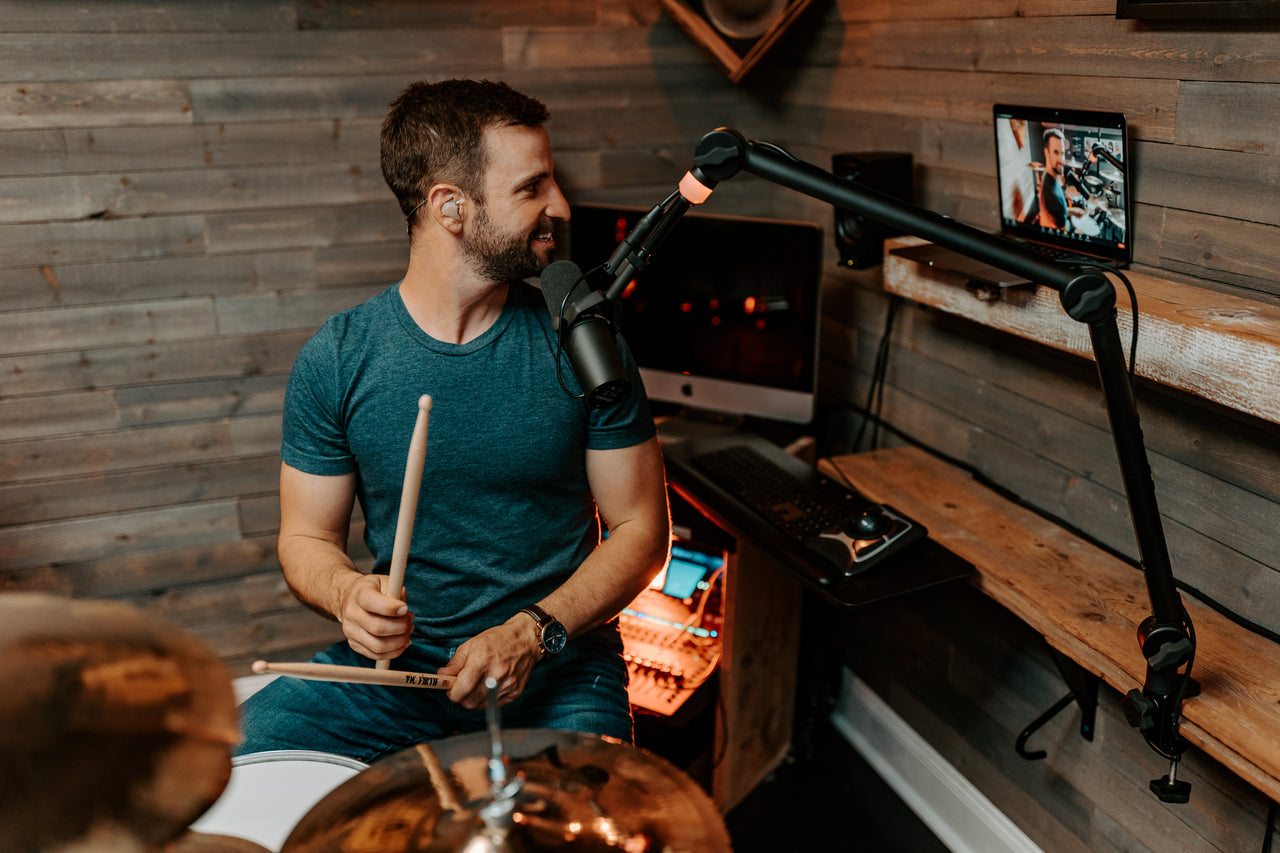
UE 11 Pro is the model most explicitly positioned around the ambient port option — drummers behind a kit, DJs working a booth, and bass players who need to stay connected to the band all benefit. Read the UE 11 Pro Sound Signature Deep Dive for more on which models pair best with the ambient port.
Why you should never use just one in-ear
The original question — can I just wear one IEM and leave the other ear open? — has a clear answer. No.
With one ear sealed and the other open, you’re hearing two completely different sound sources at completely different volume levels. To hear the in-ear over the stage volume coming into the open ear, you’ll inevitably turn up the in-ear mix. The result: the in-ear ends up louder than it needs to be, often dangerously loud.
The math matters. If the stage volume is around 115 dB SPL — typical for a loud rock or pop show — a UE Pro custom with both ears sealed only needs to be at about 89 dB to compete (115 dB minus the -26 dB of passive noise isolation). Most performers add a few dB on top to keep the mix forward, so the in-ear ends up around 91 dB. That’s a safe level for long sessions.
With one ear out, you don’t have any isolation. To hear over 115 dB of stage volume, you’ll push the sealed in-ear to 118 dB or more — a level that can permanently damage your hearing in minutes. Three dB is a doubling of acoustic intensity. The difference between 91 dB and 118 dB isn’t subtle.
Use both ears. If you want more stage and crowd sound in your mix, order with the ambient port. Don’t compromise your hearing for a perception of connection you can solve more safely.
Build your UE Pro customs
UE Pro custom in-ear monitors are built for your ears, your sound, and your work. The ambient port is one of several options you can spec at order time — along with UE SWITCH swappable faceplates, your choice of sound signature, and the custom fit shaped to your earprint.
Questions? The UE Pro team is happy to help.
Email: uehelp@ultimateears.com
Phone: (800) 589-6531